
The Complete Guide to Remote Management Tools
Managing a business today means managing it from anywhere - a home office, a hotel room, or across time zones. But as the freedom of remote work grows, so does the complexity of keeping systems, staff, and physical spaces secure. If you've ever wondered how companies lock down their operations without being on-site 24/7, the answer lies in remote management tools and access control systems. Whether you're a small business owner or an IT manager at a growing enterprise, understanding these tools could be the most important decision you make for your organization's security.
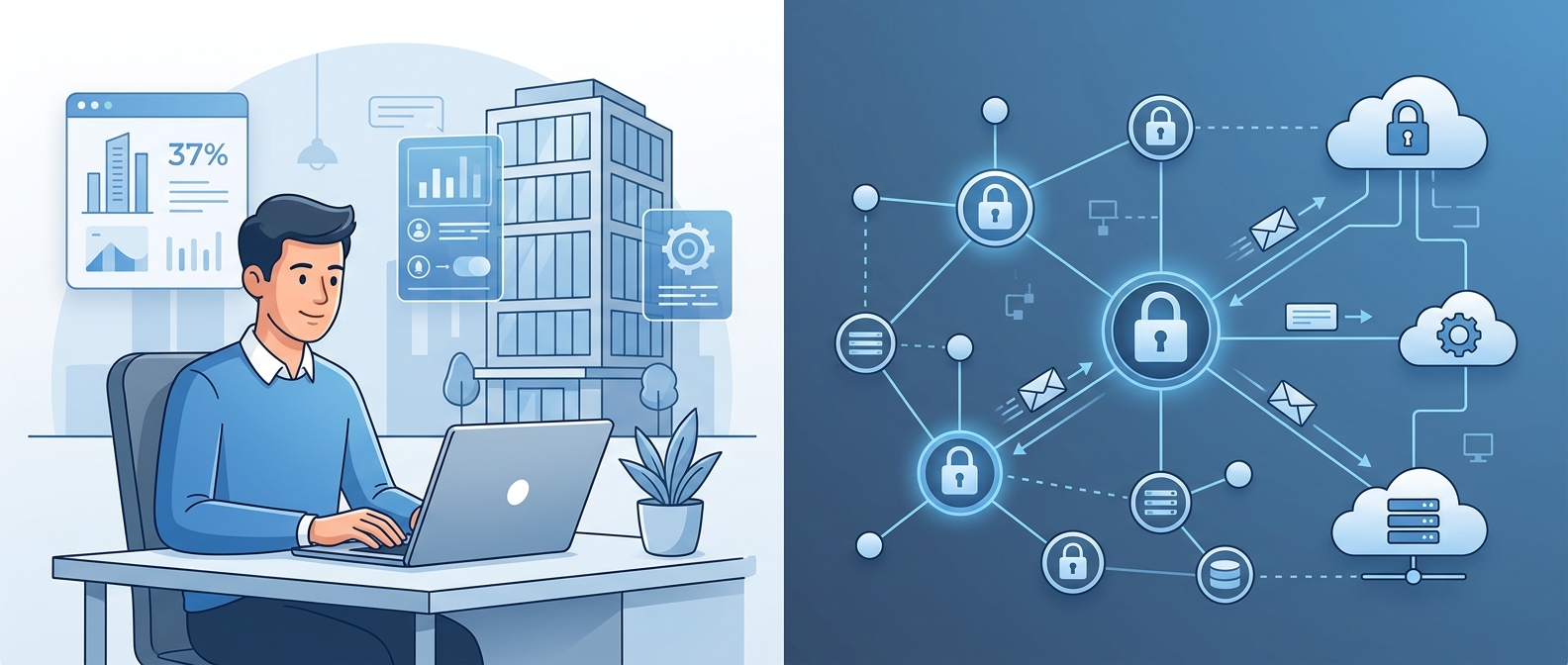
What Exactly Is a Remote Access Control System?
Remote access control is an umbrella term that covers two distinct but equally important areas:
- Physical Access Control - Managing who enters your buildings, offices, or facilities without being physically present.
- Logical/IT Access Control - Managing who accesses your digital networks, files, software, and devices from remote locations.
In 2026, with hybrid work as the standard operating model for most organizations, both types of control are no longer optional - they're essential. The old model of handing out physical keys and relying on VPNs simply doesn't cut it anymore.
Why Old-School Methods Are Failing Businesses
Traditional approaches to access management were built for a world where everyone showed up at the same building, logged into the same network, and went home at the same time. That world is gone.
Here's where legacy systems break down:
- Physical keys can't be revoked instantly. If an employee leaves the company, retrieving a key or changing locks costs time and money.
- Old VPNs expose entire networks. Once a hacker gets VPN credentials, they can move freely across your entire system.
- No real-time visibility. Traditional systems don't tell you who accessed what, and when. Audit trails are either nonexistent or buried in spreadsheets.
- Scaling is painful. Adding a new office location or onboarding 50 new employees requires significant on-site hardware work.
The gap between old methods and modern security needs is exactly where remote management tools step in.
How Modern Remote Access Control Systems Work
Today's systems are built on cloud infrastructure, meaning everything is managed through a centralized dashboard accessible from any device, anywhere.
For physical spaces: Internet-connected controllers are installed at entry points and wired to smart electronic locks. Instead of a physical key, employees use a smartphone app, biometric scan, or smart fob to unlock doors. Administrators can grant or revoke access instantly from a web dashboard - even if they're thousands of miles away.
For digital environments: Modern systems use a "Zero Trust" model, which means no user or device is automatically trusted. Every login request is verified through Multi-Factor Authentication (MFA) and device health checks before access is granted - and only to the specific app or file the user actually needs, not the whole network.
Key Features to Look For in Any Remote Management Tool
Not all tools are created equal. When evaluating remote access control systems, prioritize these core capabilities:
- Centralized cloud dashboard - Manage all locations and users from one place.
- Instant provisioning & deprovisioning - Add a new hire or cut off a terminated employee in seconds.
- Multi-Factor Authentication (MFA) - A non-negotiable layer of identity verification.
- Real-time alerts and audit logs - Know exactly who accessed what and when, with instant notifications for suspicious activity.
- Mobile-first access - Let employees use their smartphones as secure keys or login credentials.
- Emergency lockdown - The ability to instantly revoke all access across all locations in a single click during a threat.
- Integration with HR and IT tools - Sync with platforms like Okta, Microsoft Entra ID, or Google Workspace to automate access based on employee status.
Top Tools Worth Knowing About
The market is full of solutions designed for different needs and budgets. Here's a breakdown of the leading categories:
For securing physical buildings and offices: Cloud-based platforms like Kisi, Verkada, and Brivo are widely recognized for their ease of use, mobile credentials, and ability to manage multiple locations from a single dashboard. These are particularly popular with growing businesses that can't afford to have an on-site security team at every location.
For securing remote workforces and digital networks: Tools like Cloudflare Zero Trust and Palo Alto Prisma Access replace outdated VPN infrastructure with identity-based access. For remote desktop control and IT support, Splashtop and TeamViewer allow technicians to take over distant computers securely without being in the room.
For identity management (the backbone of everything): Platforms like Okta act as the central brain - connecting your physical doors, cloud apps, and digital tools to a single verified identity for each employee.
The Right Tool Depends on Your Specific Situation
There's no one-size-fits-all answer in remote access control. The best solution for a 10-person startup working fully remotely looks very different from what a 500-person company with six office locations needs. Factors like your industry, compliance requirements, number of locations, and budget all play a significant role in determining the right fit.
For example, a healthcare company handling sensitive patient data will have strict HIPAA compliance requirements that narrow the field considerably. A commercial real estate operator managing dozens of buildings needs a system that scales effortlessly across properties. A tech company with a fully distributed team needs rock-solid Zero Trust network access above all else.
Understanding your specific security gaps - not just the features a vendor is selling - is the starting point for making the right choice.
Where to Go From Here
If you're serious about tightening up your remote management setup, the most effective next step is to search for solutions tailored to your specific needs - whether that's by business size, industry, location, or budget. The tools mentioned above are excellent starting points, but comparing options side by side will give you a much clearer picture of what fits your situation best.
Take the time to explore specific system comparisons, pricing tiers, and feature breakdowns. The right remote access control system doesn't just protect your business - it makes running it significantly easier, no matter where you or your team happen to be.